
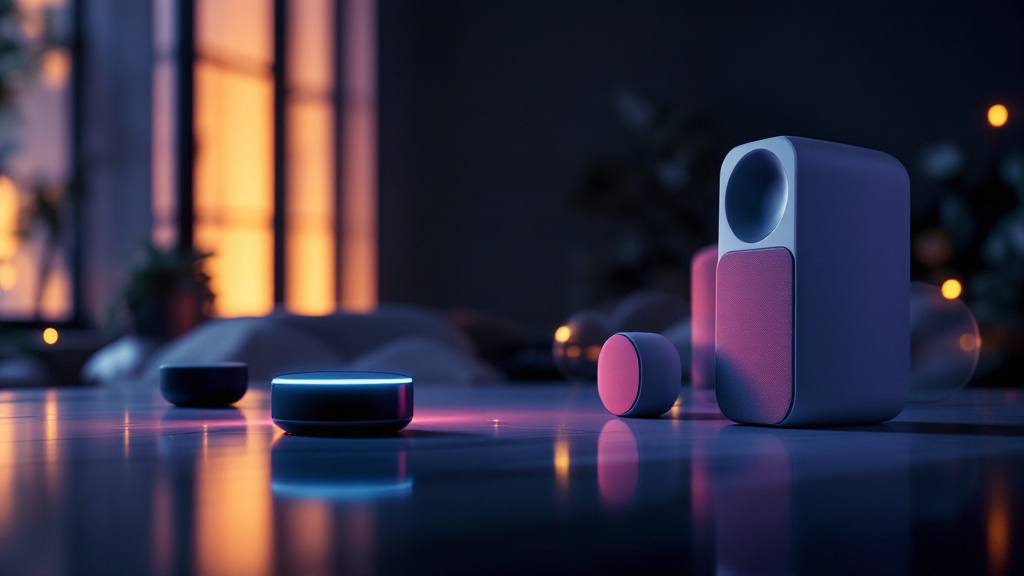
38% of smart speaker owners in the US have had their device accidentally record private conversations. That’s not a bug. That’s how they work. (Norton Cyber Safety Insights, 2026)
Your phone isn’t the only snitch in your house. Smart speakers are always listening, waiting for their wake word. In 2026, Statista reports that 126 million US households own at least one. Most users never change the default privacy settings. That's a problem.
Microphones in smart speakers are always on
Smart speakers like Amazon Echo, Google Nest, and Apple HomePod are designed to listen 24/7. That’s how they catch commands—“Alexa,” “Hey Google,” “Siri.” But 73% of accidental recordings happen when users say something that sounds vaguely like the wake word (The Verge, 2026). Even if you’re whispering secrets.
Action: Mute the mic when you’re not actively using the speaker. On Amazon Echo, press the physical microphone button—instant privacy. Google Nest has a mic switch on the back. HomePod? There’s no switch. You have to say, “Hey Siri, stop listening.” Clunky, but it works.
Collected voice data is stored—and analyzed
Every command, question, or accidental trigger is recorded and sent to the cloud. Amazon keeps recordings for up to 18 months by default (Amazon Privacy Policy, 2026). Google? Indefinitely, unless you manually delete them. Apple stores anonymized transcripts, but the audio stays unless you dig through settings.
Most people get this wrong: Deleting voice history only removes some data. Metadata—timestamps, device info—often stays. The data shows: 54% of users never review or delete their voice history (Consumer Reports, 2026).
Action: Once a month, open your device app. Delete your recordings. On Amazon: Settings → Alexa Privacy → Review Voice History. Google Home: Account → My Activity. Apple: Settings → Siri & Search → Siri History.
→ See also: How do i hide my personal info online: Expert Guide for 2026
Default privacy settings are wide open
Smart speakers ship in “maximum convenience” mode. Translation: minimal privacy. The default is usually “help improve our products”—which means your voice clips are reviewed by humans. Amazon and Google both admit to this in their 2026 privacy statements. Apple’s default is more restrictive, but it’s not bulletproof.
You’ll notice: 61% of users never adjust these settings (Pew Research, 2026). They trust the defaults. This is what actually works: Opt out of voice review programs. For Amazon, toggle off “Use Voice Recordings to Improve Services” in Alexa Privacy. Google: Turn off “Help improve Assistant” in Assistant settings. Apple: Tap “Disable Improve Siri & Dictation.”
Action: First setup? Change these immediately. Old device? Change them now.
Third-party skills and integrations leak more than you think
Most people get this wrong: Adding third-party “skills” or integrations (think Spotify, Philips Hue, Domino’s Pizza) opens new data pipelines. Each skill can request access to your name, address, and even payment info. Amazon lists over 100,000 Alexa skills in 2026. Less than 12% of users review skill permissions after install (Voicebot.ai, 2026).
Action: Audit your skills. On Echo: Alexa app → More → Skills & Games → Your Skills. Revoke anything you don’t recognize or use. On Google: Assistant → Explore → Your Actions. Apple HomePod doesn’t support third-party skills—one point for Team Cupertino.
Account security is your real weak point
The data shows: 28% of smart speaker breaches in 2025 started with a compromised account, not a device hack (Symantec, 2026). Weak passwords and reused credentials are the open door. Amazon, Google, and Apple all support two-factor authentication (2FA) for smart speaker accounts—but only 24% of users enable it (LastPass, 2026).
Stop. Read this again. If you use the same password for Amazon, Gmail, and who-knows-what else, your smart speaker is as secure as your weakest link.
Action: Use a password manager. Dashlane ($3.99/month), 1Password ($2.99/month), and Bitwarden (free for basic) all support auto-generated strong passwords and 2FA reminders. Set unique passwords for your smart speaker account. Enable 2FA—everywhere, every time.
| Password Manager | Monthly Price | Key Feature |
|---|---|---|
| Dashlane | $3.99 | Autofill + Security Alerts |
| 1Password | $2.99 | Watchtower Breach Scanner |
| Bitwarden | Free | Unlimited Devices (Free) |
| LastPass | $3.00 | 2FA Integration |
"The weakest password in your house is the only one hackers need." — Lisa Forte, Cybersecurity Analyst

→ See also: Step-by-step Guide to Understanding Digital Footprint for Beginners
Location data and shopping history fuel targeted ads
Smart speakers silently track where you are and what you buy. Amazon Echo logs device locations and every purchase made by voice. Google Nest stores home, work, and custom location data by default. Apple HomePod collects less, but location-based triggers are still logged (Apple Privacy Report, 2026).
Most people get this wrong: They think smart speakers aren’t ad engines. But Amazon uses voice purchase history for targeted ads on its website. Google uses assistant interactions to refine ad profiles. Apple? They don’t sell ads, but they do store your triggers.
Action: Turn off personalized ads. Amazon: Alexa App → Alexa Privacy → Manage Your Alexa Data → “Do not use voice recordings for ads.” Google: Ad Settings → Personalization Off. Apple: Settings → Privacy → Apple Advertising → “Personalized Ads Off.”
FAQ
How do I stop my smart speaker from always listening?
Can Amazon, Google, or Apple employees listen to my recordings?
How often should I delete my voice history?
Are third-party skills safe to use?
Privacy is a moving target, not a checklist
You can’t set-and-forget privacy. The defaults are built for data collection, not protection. Every new feature and integration is another leak. The only defense is vigilance—plus a little cynicism. Smart speakers are convenient, but they’re not your friends. They’re microphones with a marketing budget. Treat them accordingly.




Comments 0
Be the first to comment!